How to change database settings in OVIPanel?
>>>> First log in to OVIPanel
>>>> Now go to Advanced and click on Database Hosting Settings
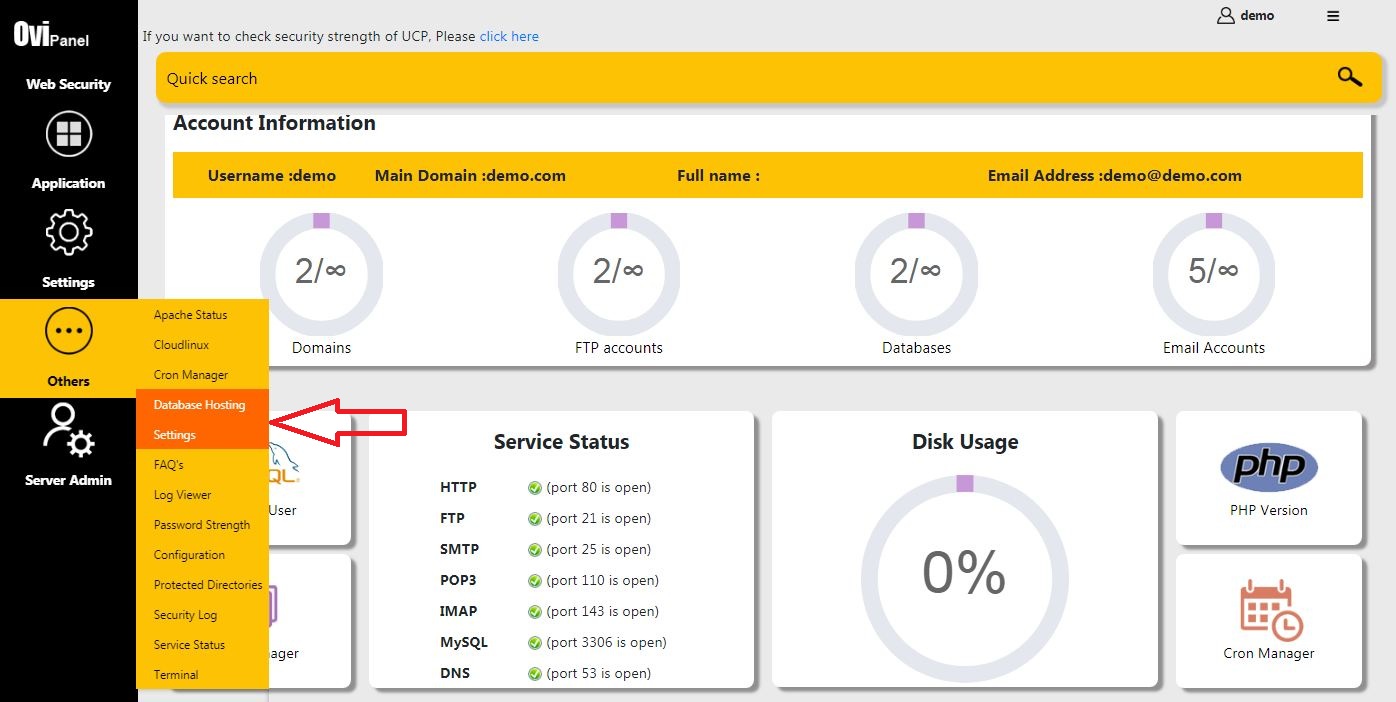
>>>> Now in there you will see an option "Configure your Database Name and Username"
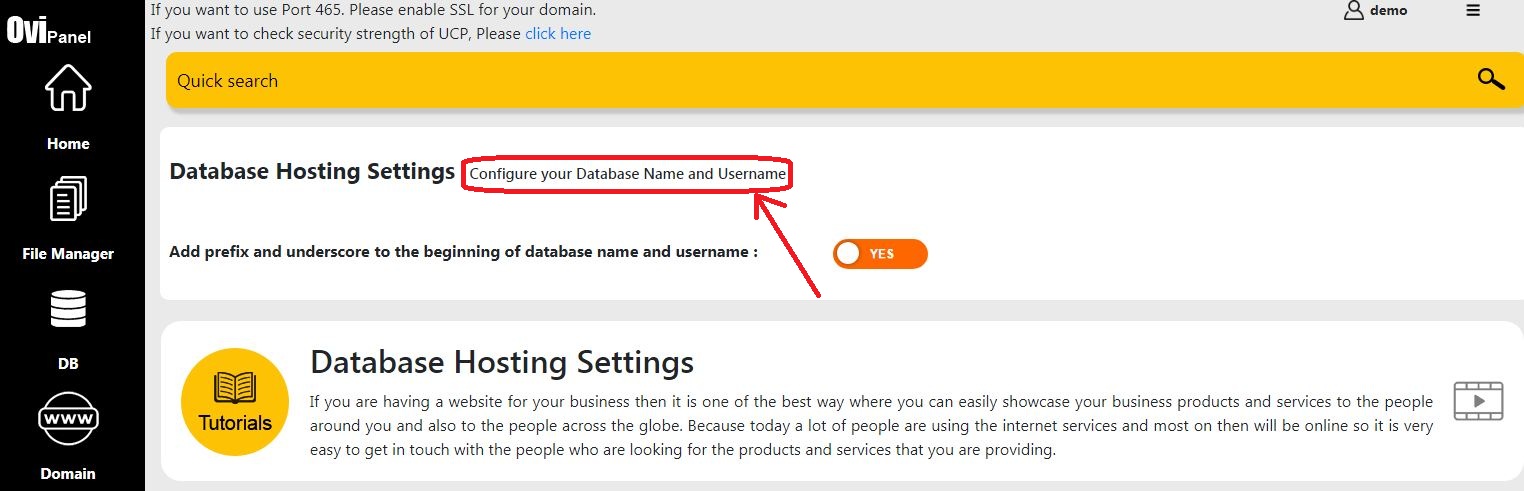
>>>> And now there will be an option "Yes" and " No" you can choose your desired one and click on the option to change.

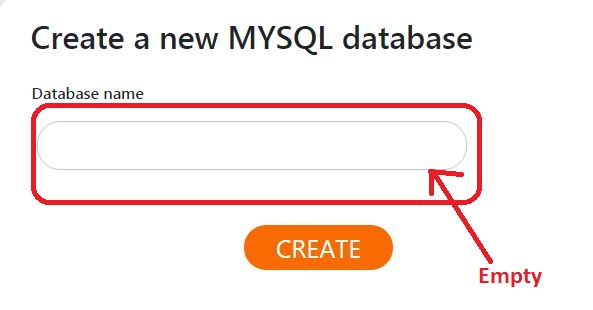
Note: If you click on none then when you Create a new MySQL® database it will not mention the path.
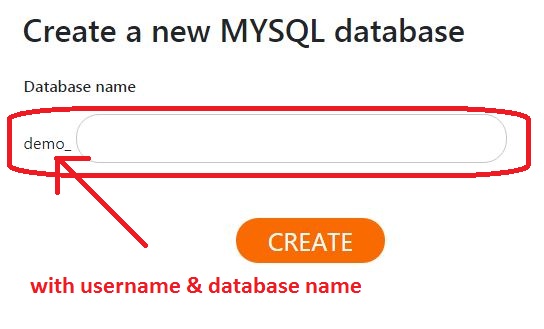
And if you click on Username & Database Name then it will display the path under which you need to create. You can see in the below images
None
Username & Database Name