How to install Python framework.
The following steps for python framework installation from scratch.
Step 1: Login to UCP.
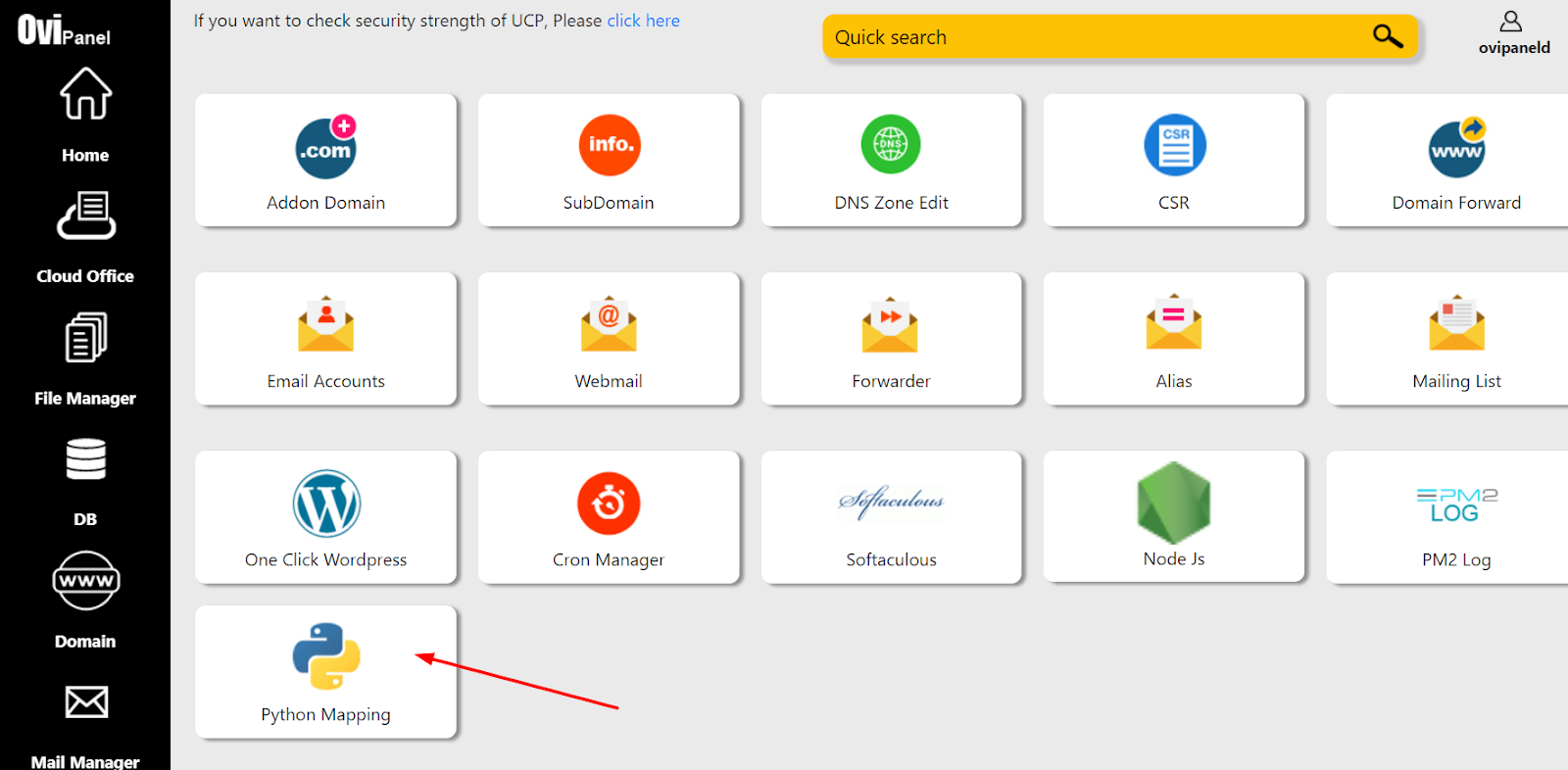
Step 2: Click on Python Mapping.
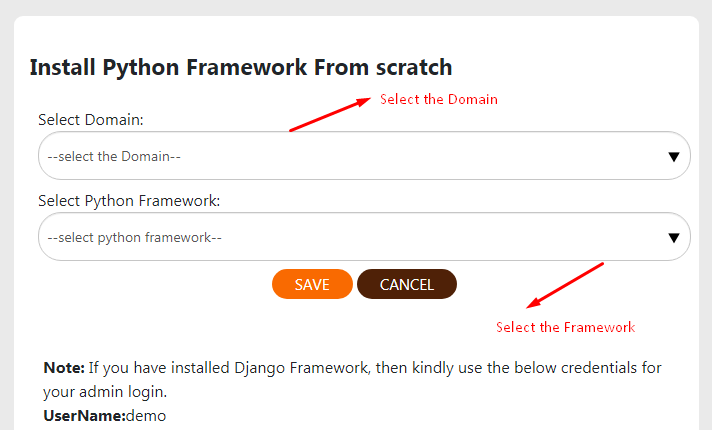
Step 3: We are providing Flask, Django 2(sqlite) and Django 3(mysql) frameworks. Select the domain and python framework which you want to install.
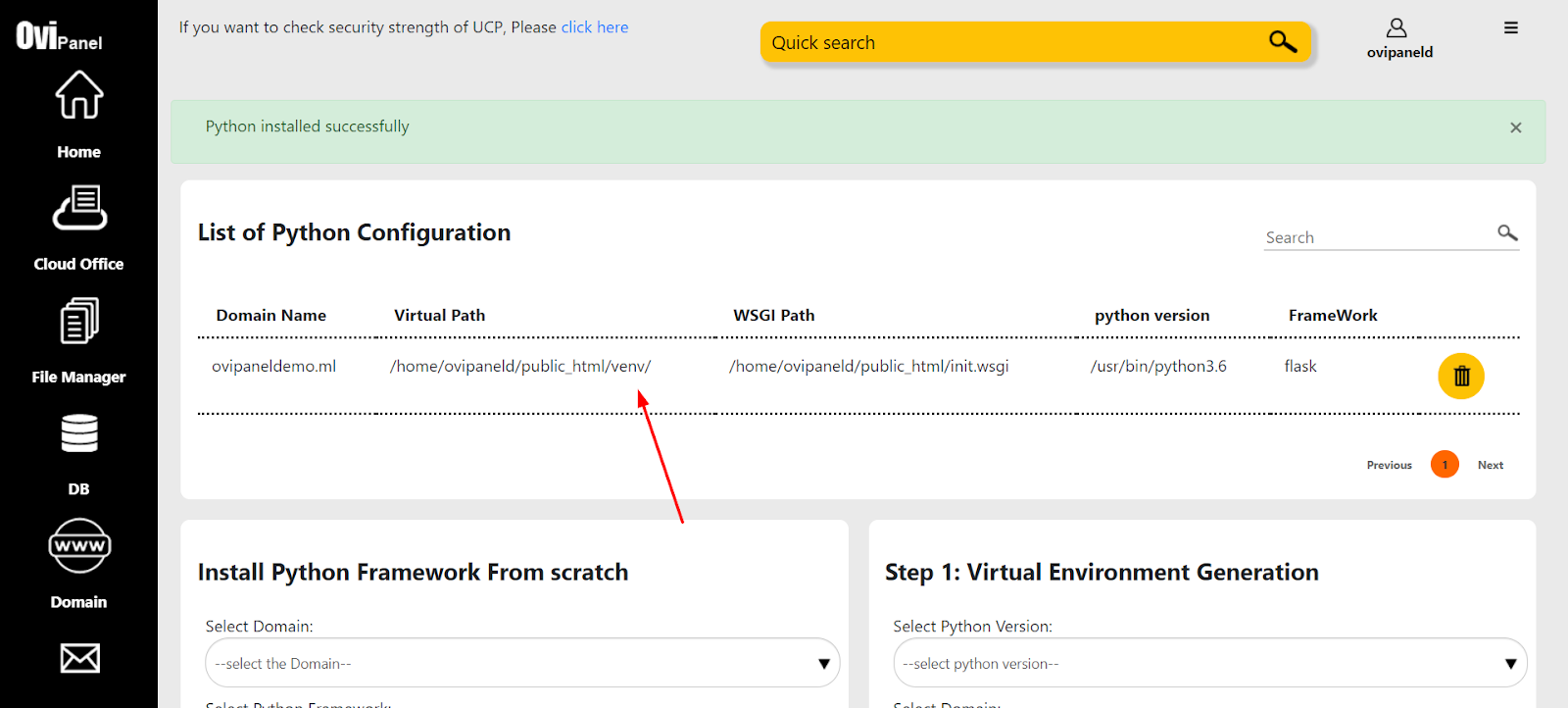
Step 4: After that click on the save button. Installation may take 2 mins after that it will list as below.
The following steps for the Existing project.
Step 1: Login to UCP.
Step 2: Click on Python Mapping.
Step 3: Need to create the virtual environment first so, select the python version and the domain.
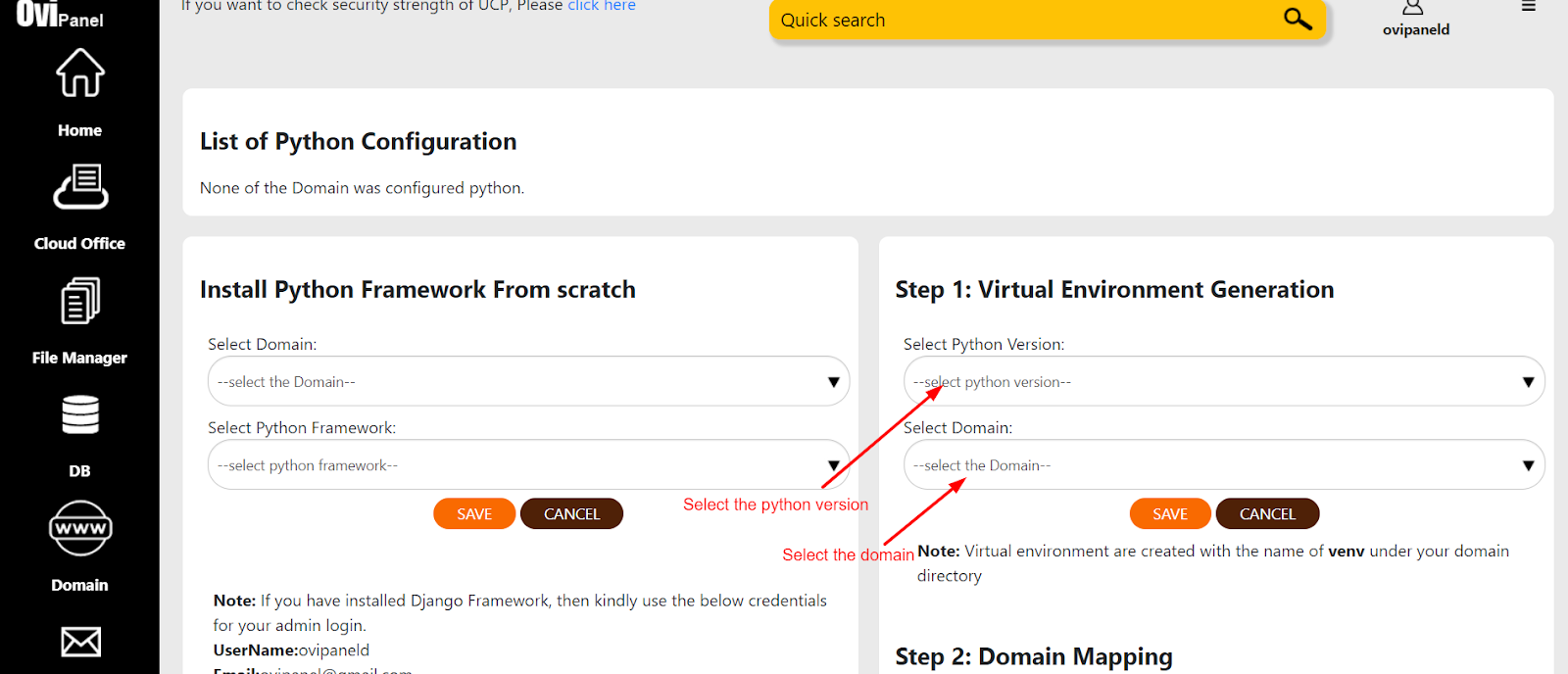
Step 4: Click on the Save button, after that a virtual environment will be created with the name “venv”.
Step 5: After that I need to map the domain. Kindly select the domain, enter the path of the wsgi file and in the next input box enter the virtual environment folder name.
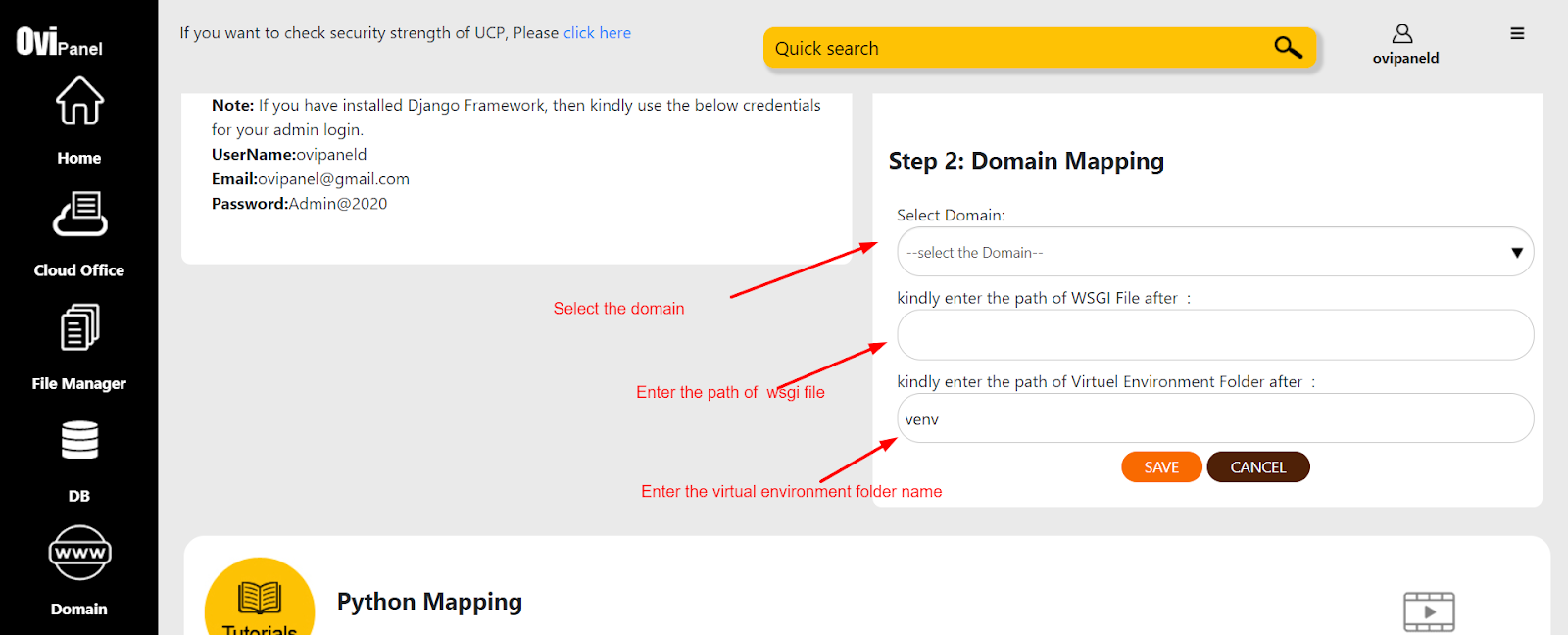
Step 6: Click on the Save button, after that it will show in the list as per below image.
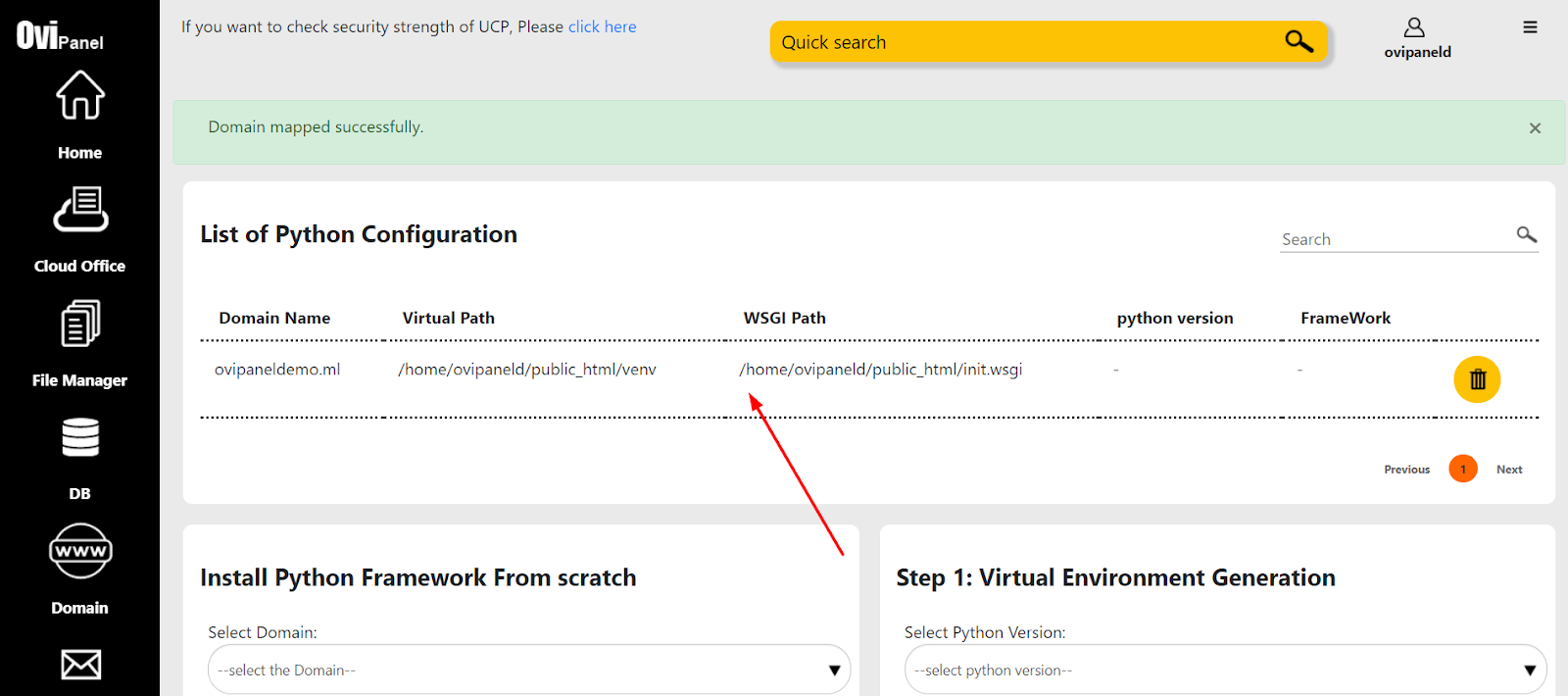
Note: If you have installed Django Framework, then kindly use the below credentials for your admin login.
URL: http://domain_name/admin
UserName: your username
Email: your Email Id
Password: Admin@2020
Step 7: Using GUI you can delete the application and enter the virtual environment for your application.

Step 8: We provide one click terminal access where you can enter the virtual environment of your application.
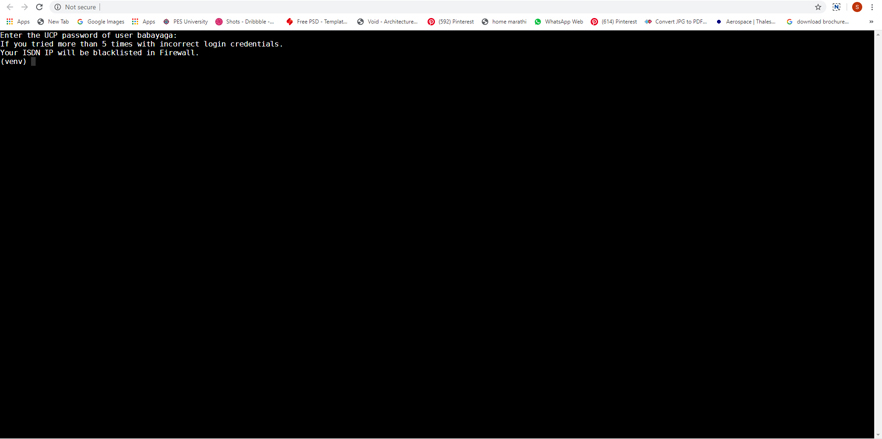
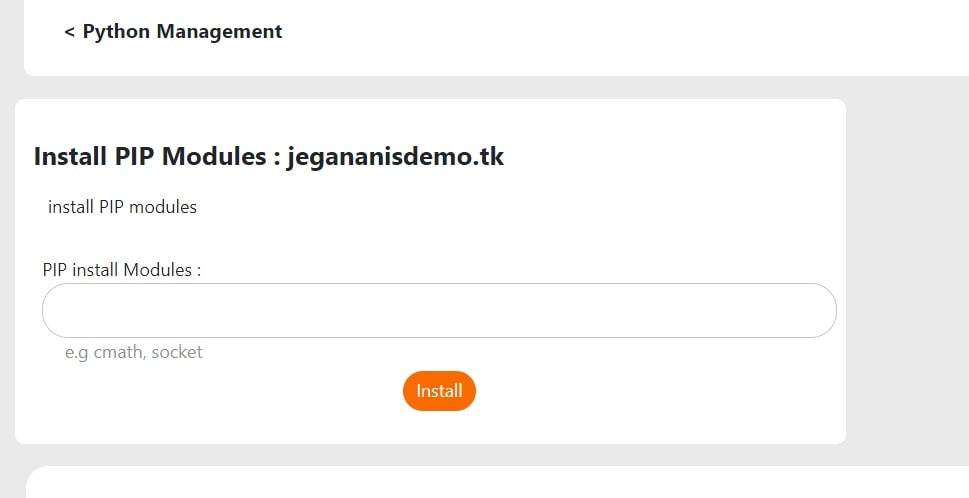
Step 9: We provide one click install Python modules.