
CloudLinux Manager in OVIPanel
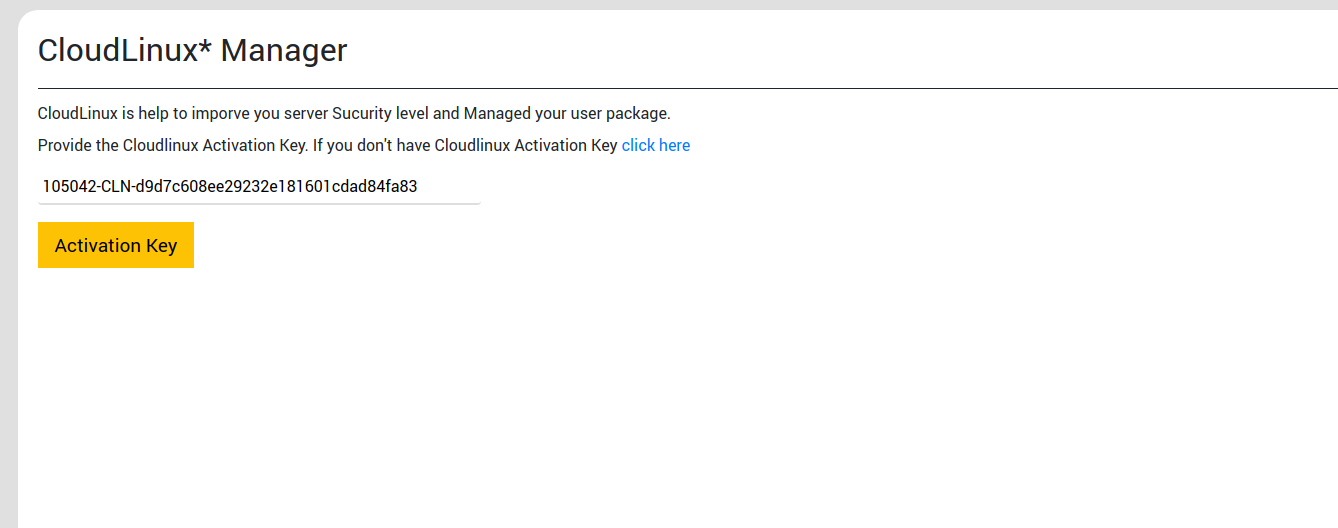
Step 1: Enter the Activation Key and click on "Activation key"
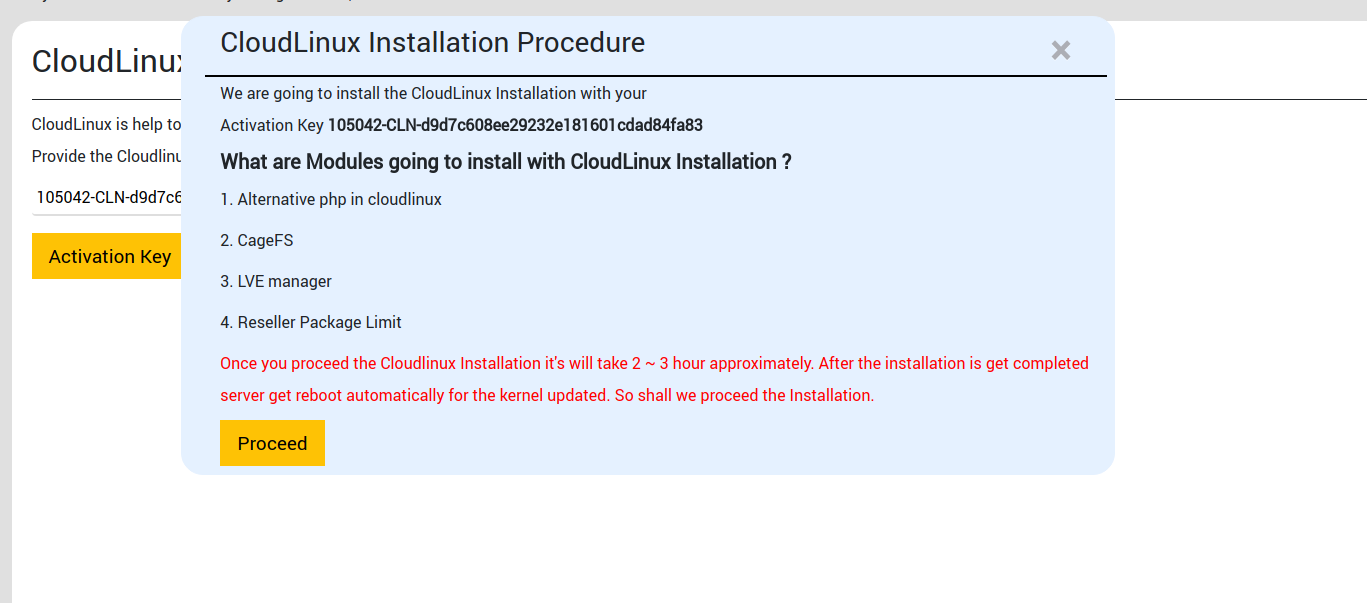
Step 2: CloudLinux Installation Procedure window appears, click proceed Button
Once you proceed with the Cloudlinux Installation, it will take around 2-3 hours to complete. As the installation is done, the server reboots automatically and the kernel gets updated.
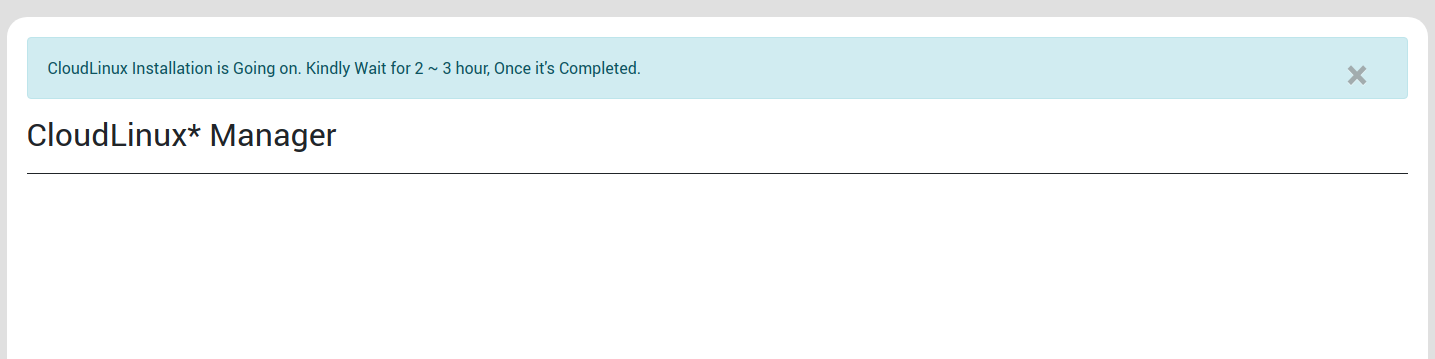
Step 3: You will get the below message
Check after 3 hours the below modules was installed successfully in your server
1. Alternative php in cloudlinux
2. CageFS
3. LVE manager
4. Reseller Package Limit