
Secure Panel:
With the use of secure panel all communication with panel performed by your browser is done over HTTPS.
Steps to enable the mail exchanger in cloud server:
Step 1: Login to your ACP(Admin Control Panel).
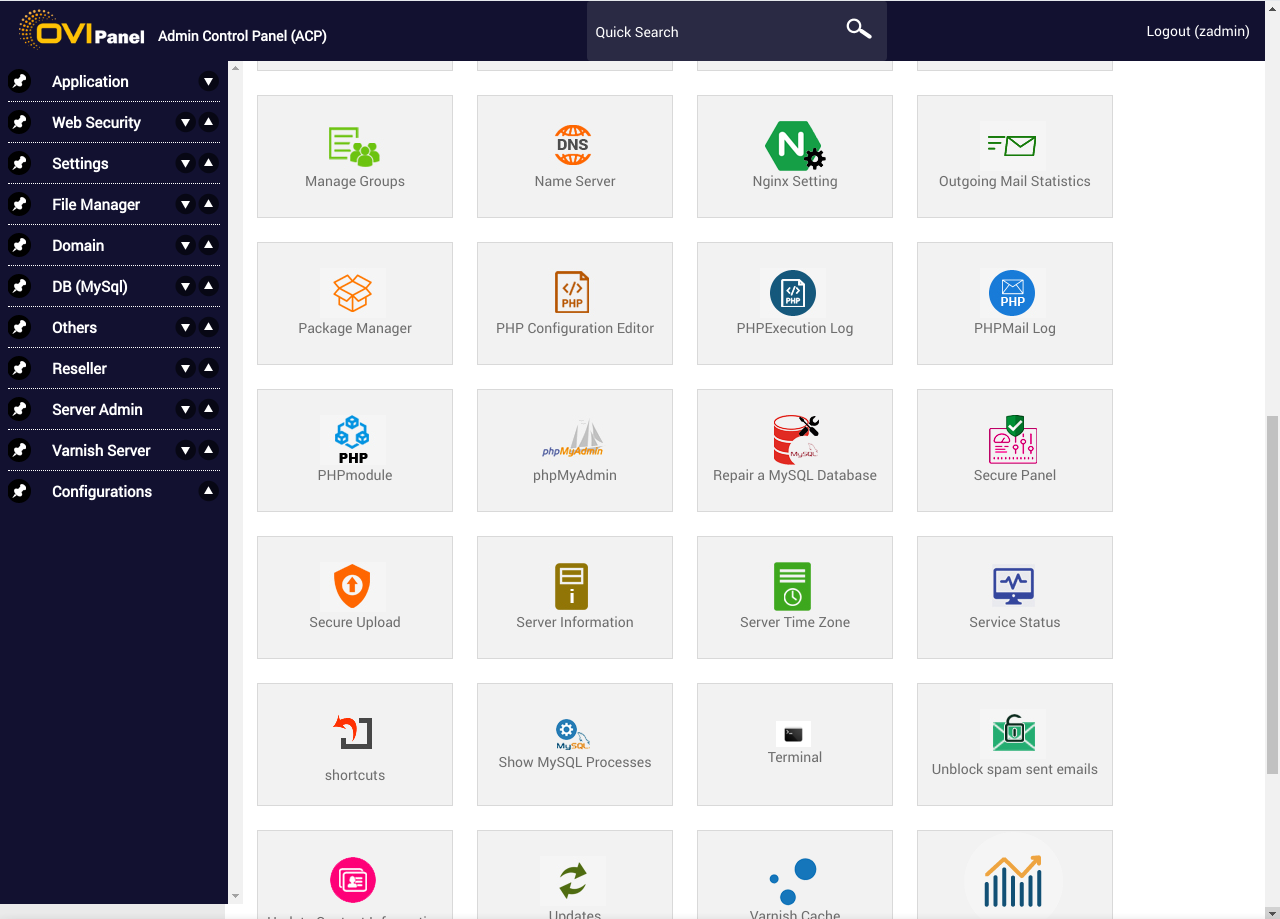
Step 2: Click on Enable https for OVIPanel.
Step 3: If the hostname is not pointed it will give a message to point the hostname to the IP.
Step 4: If the hostname is pointed it will enable the secure panel for the hostname.
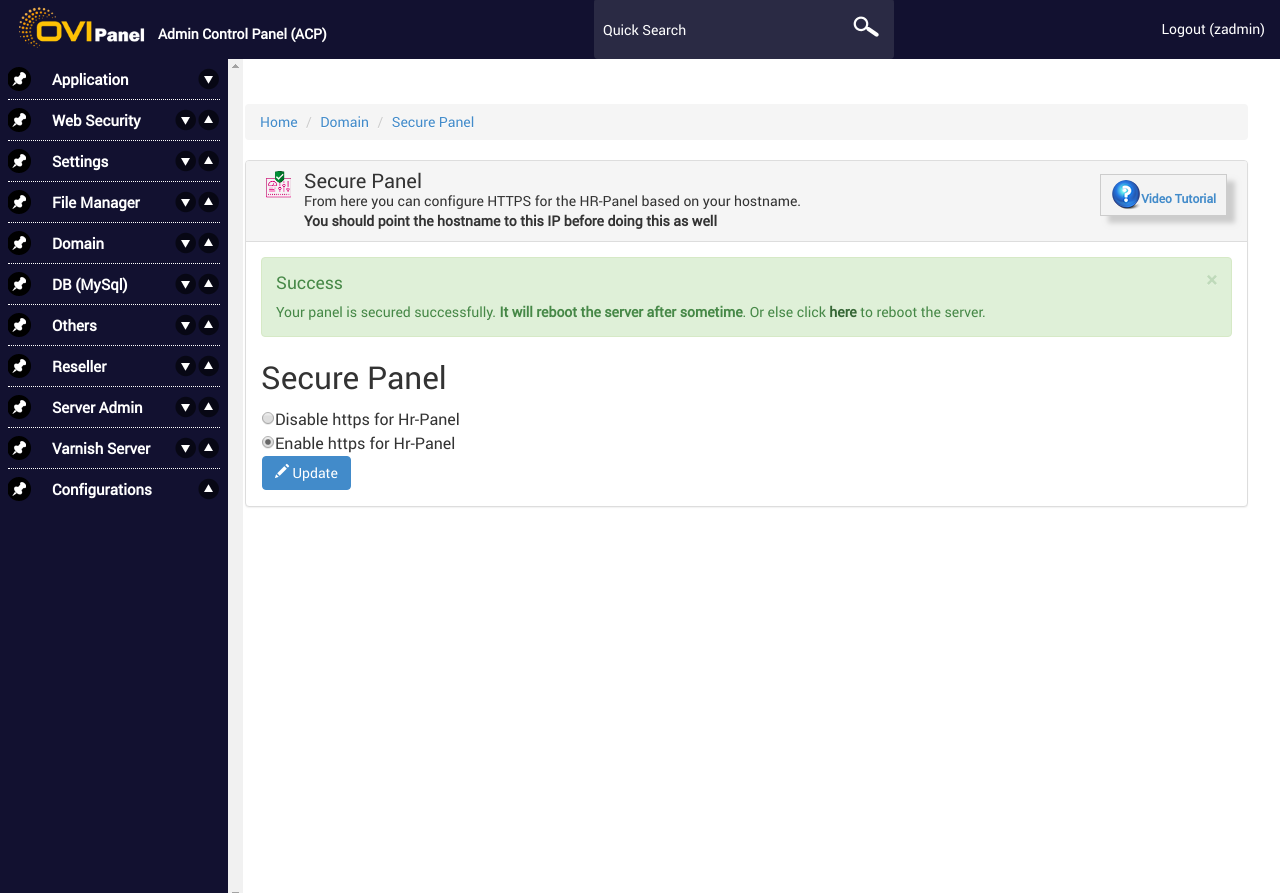
Step 5: open the panel with the URL with https with hostname.
https://hostname:2087