Below video tutorial to access phpMyadmin in UCP.
Step 1 : Login to OVIPanel(UCP/ACP)
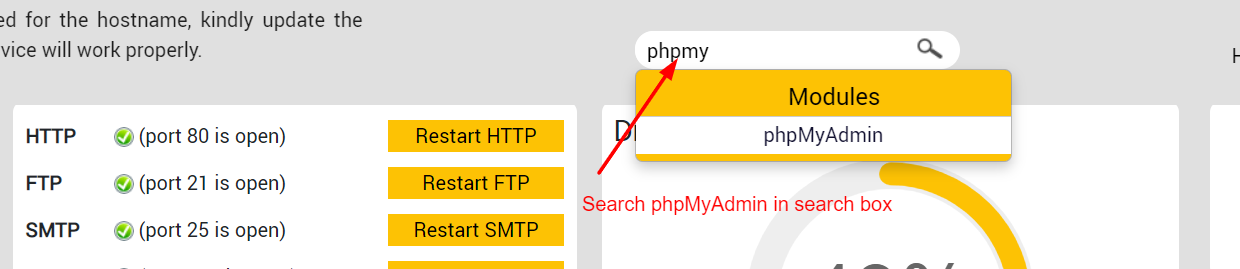
Step 2 : Search for phpMyAdmin in search box which is in top of the acp/ucp home page.
Step 3 : Click onLaunch phpMyAdmin
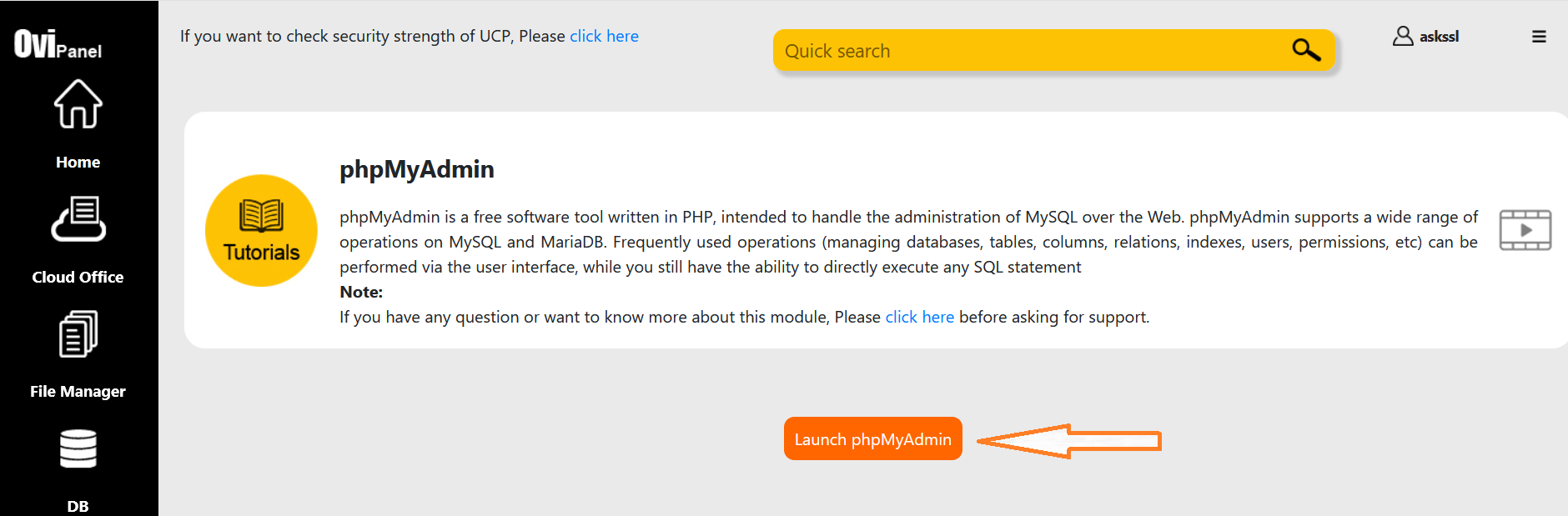
Now phpMyAdmin will open in a new tab and now you can use it
