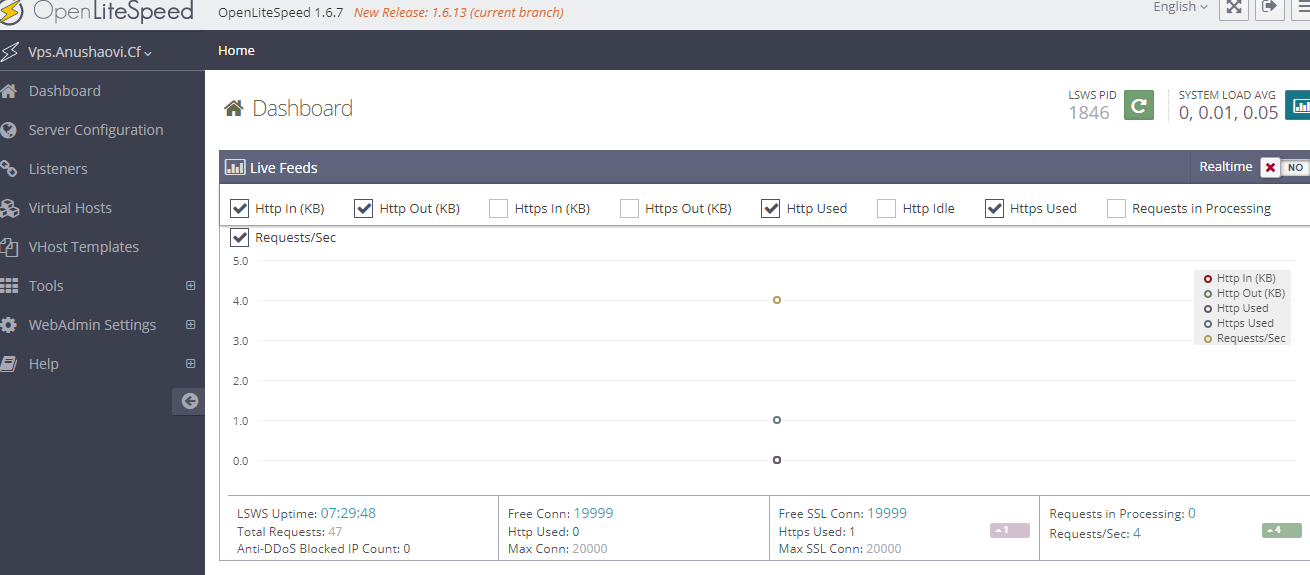
Open Litespeed Installation and Guidance
Open Litespeed is an open-source web server application. It's lightweight, high performance and user-friendly dashboard.
STEP 1: Run the below command to install open Litespeed.

STEP 2: Switch webserver to openliteSpeed, Select Open Litespeed and then click the Mak it default option.
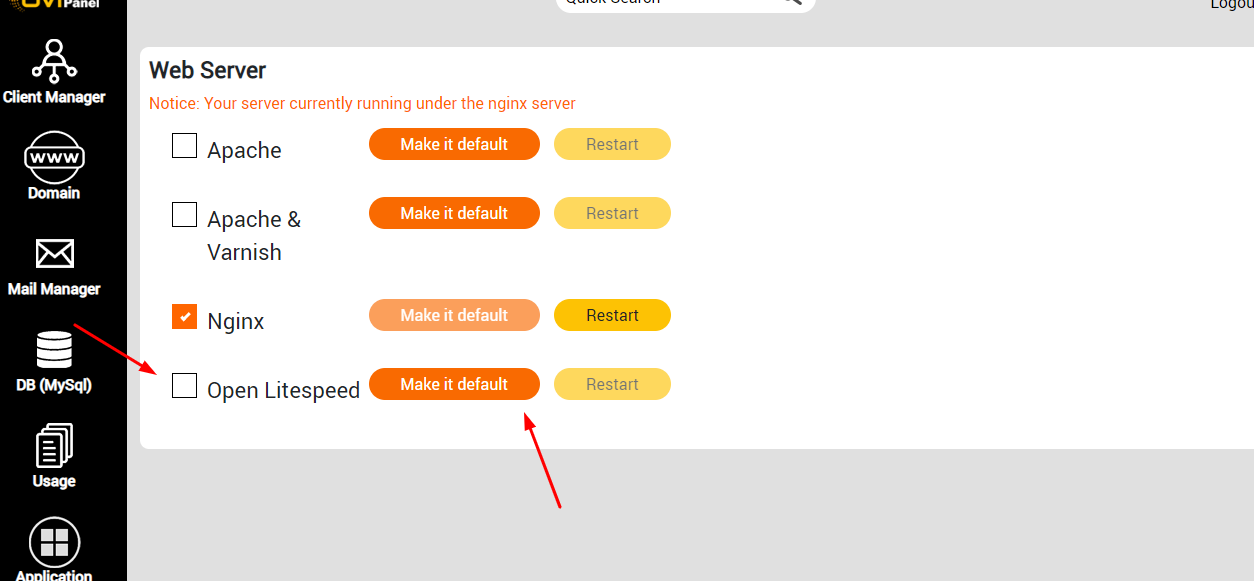
STEP 3: Now your openLitespeed default webserver, This below option configuration options, click here login Openlitespeed dashboard.
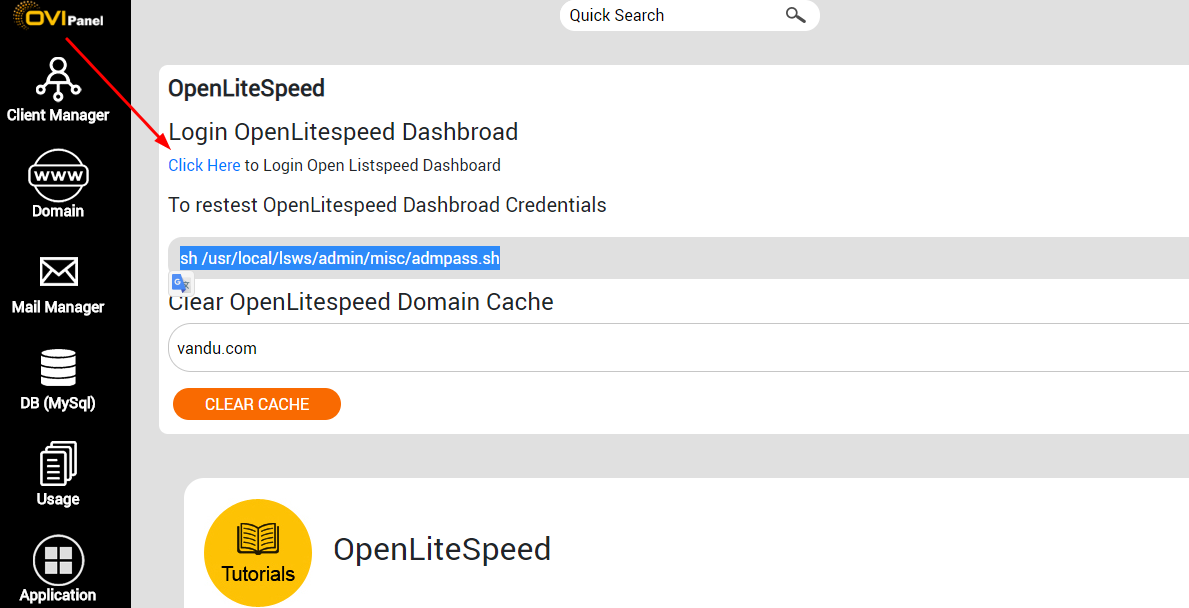
STEP 4: Run script to reset Dashboard login credentials.

STEP 5: Select the Domain to Clear the cache for your Website.

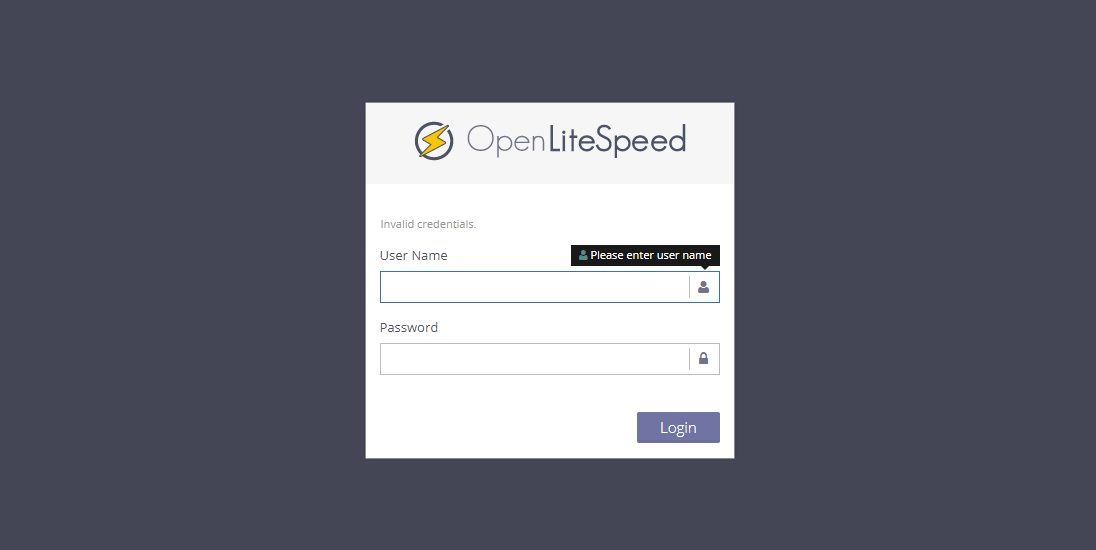
STEP 6: Login area of Openlitespeed dashboard. reset the password and log in here.
STEP 7: Openlitespeed is the default configuration with Ovipanel.